In the world of project management, staying organized and on top of potential issues is crucial for the success of any project. This is where issue logs come into play. An issue log is a document that helps managers track the issues that arise in a project and prioritize a response to them. By maintaining an issue log, project managers can ensure that no problem falls through the cracks and that all issues are addressed on time.
Let’s dive deeper into the world of issue logs and explore why they are essential for successful project management.
What is an Issue Log?
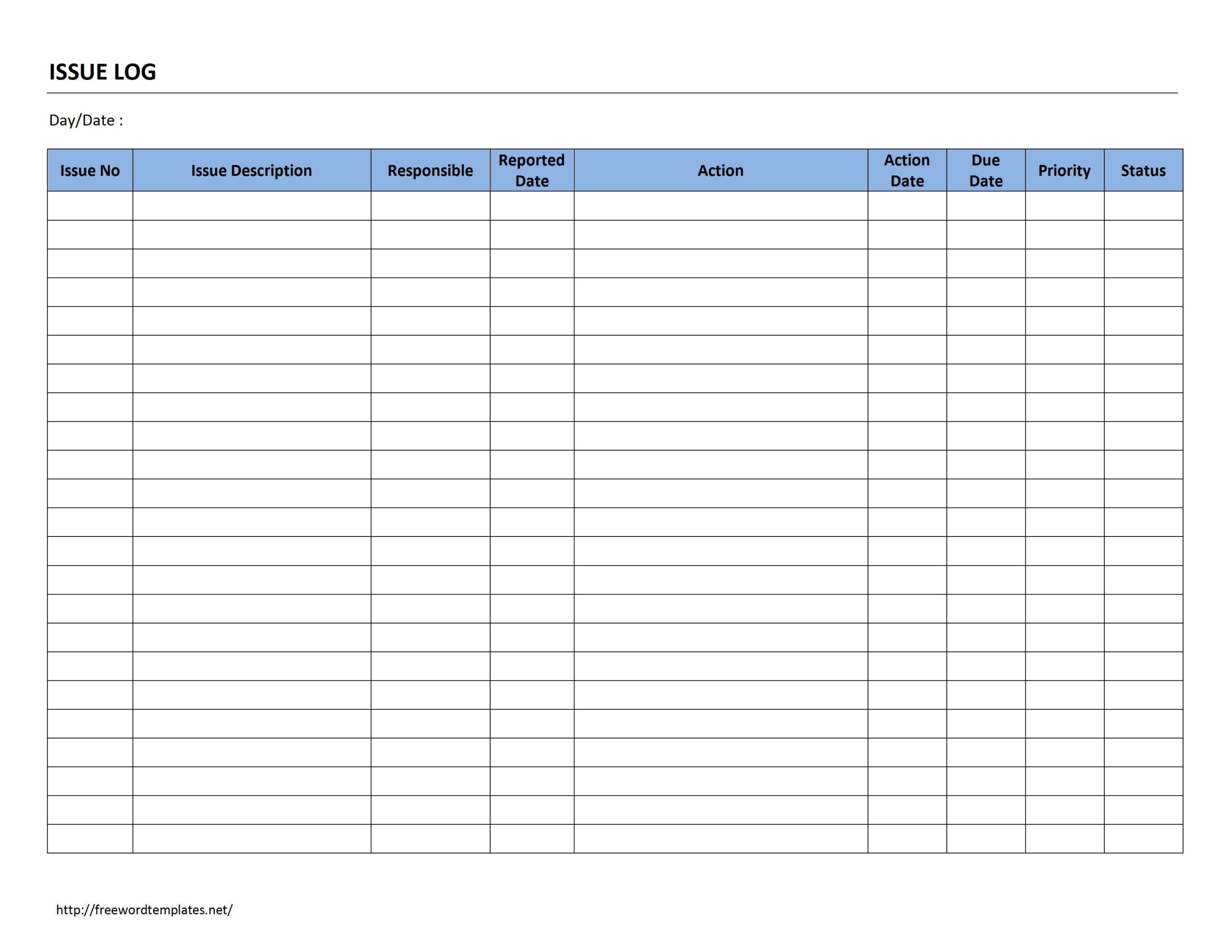
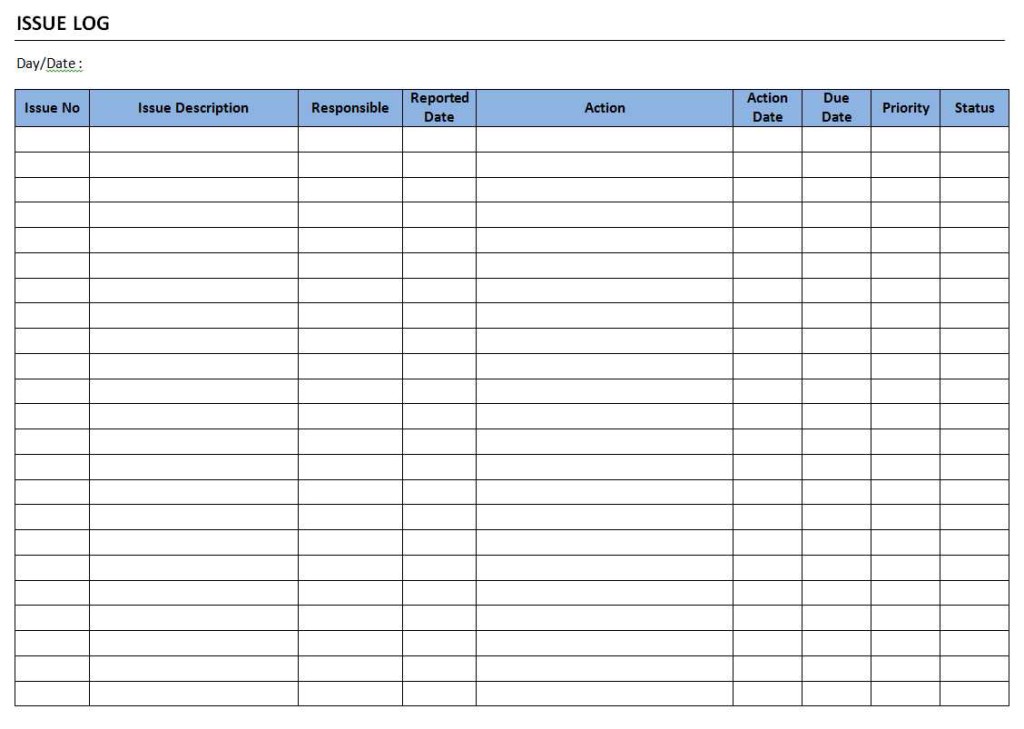
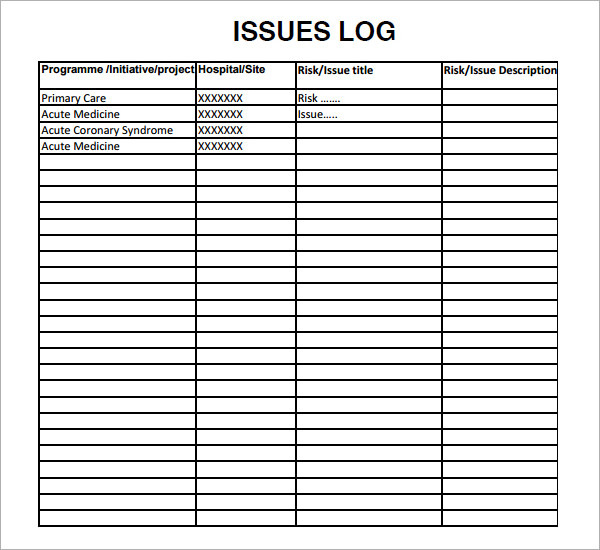
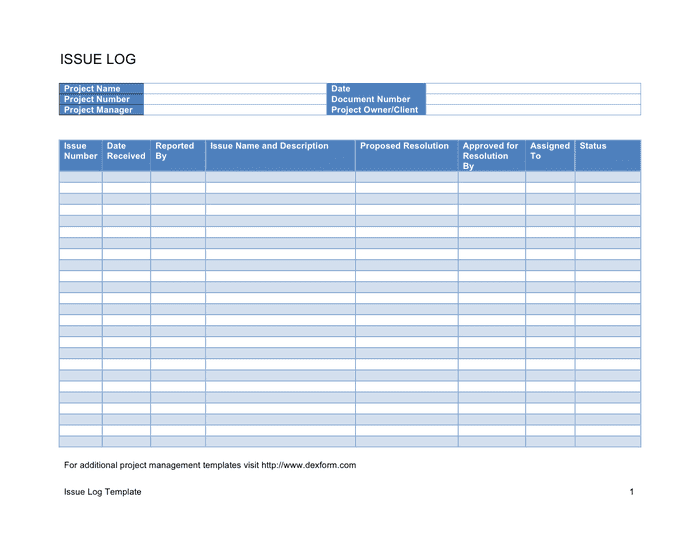
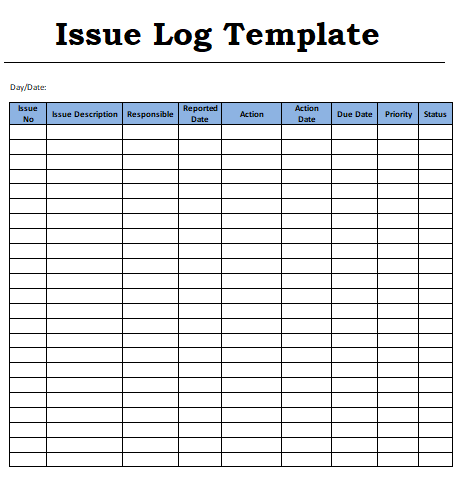
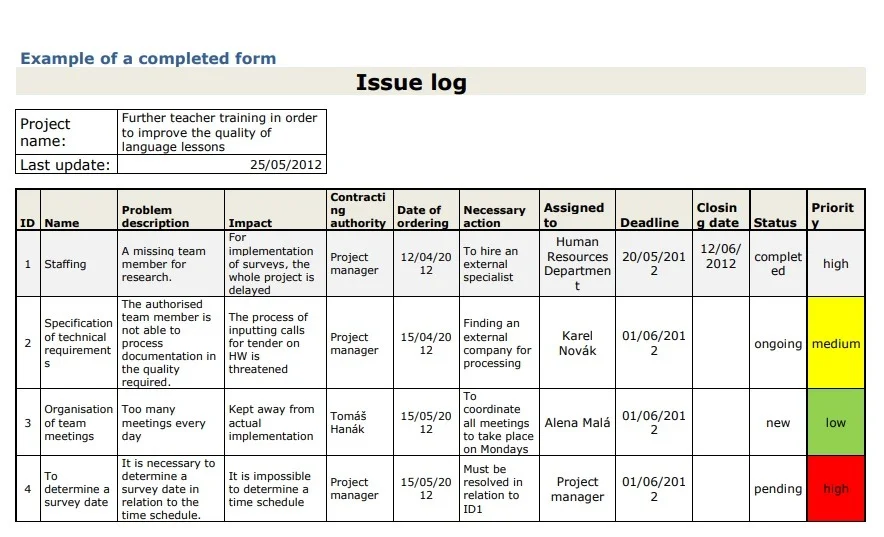
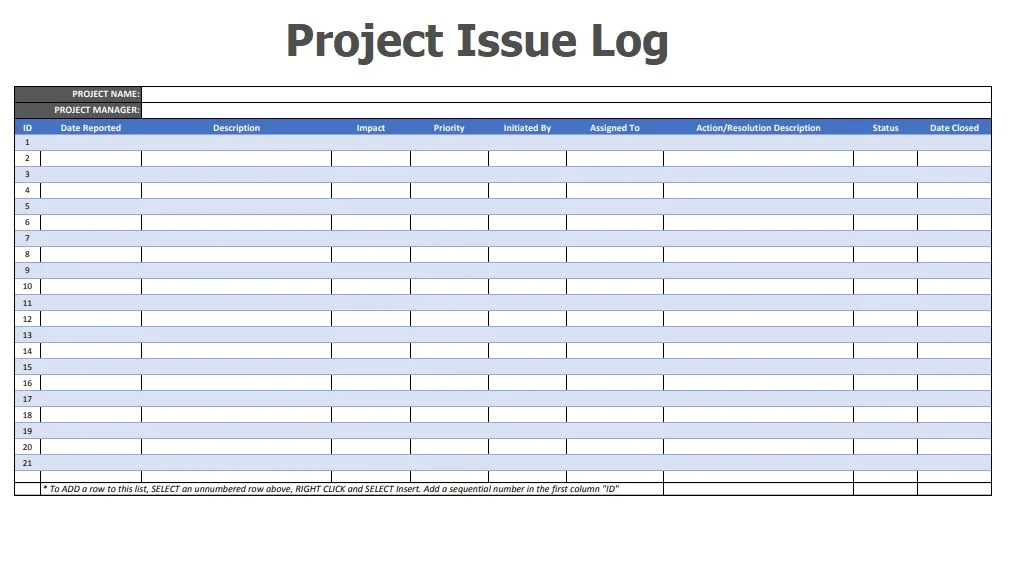
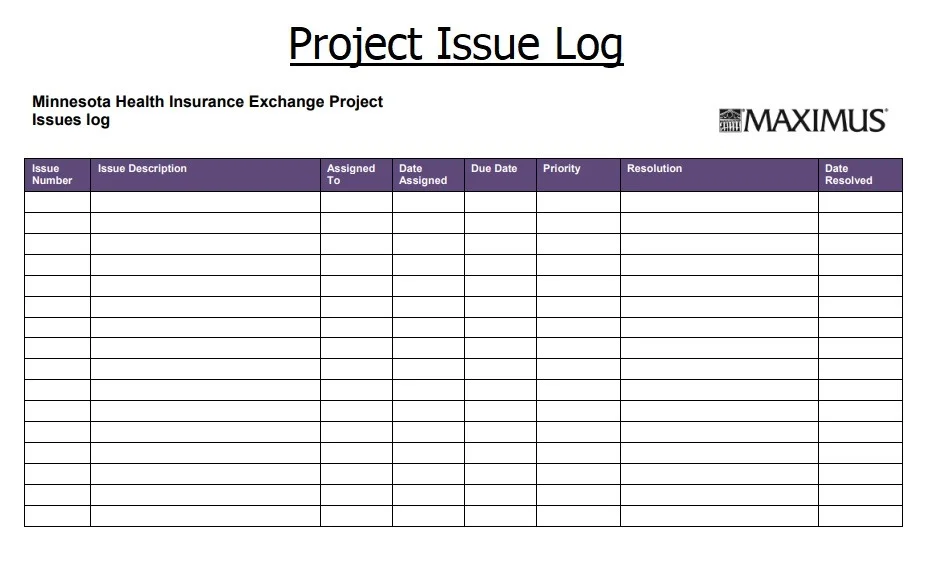
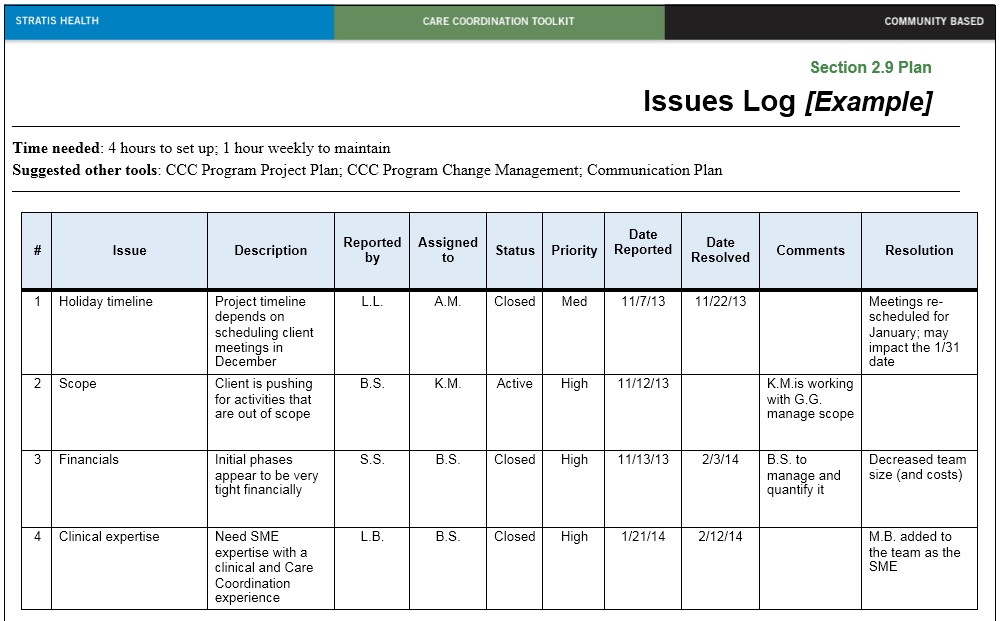
An issue log, also known as an issue tracker or an issue register, is a document used by project managers to record and track all the problems or challenges that arise during the course of a project. It provides a central repository for documenting issues, assigning ownership, tracking progress, and ensuring that each issue is resolved effectively. The issue log typically includes details such as the issue description, priority level, status, assigned owner, target resolution date, and any relevant notes or comments.
Issue logs can take various formats, ranging from simple spreadsheets to more complex software tools. Regardless of the format, the key purpose of an issue log remains the same: to provide a structured approach to managing and resolving project issues.
Examples
Why Should You Use an Issue Log?
Utilizing an issue log offers several benefits to project managers and project teams. Here are some of the reasons why incorporating an issue log into your project management process is essential:
1. Centralized Tracking: Issue logs provide a centralized location for recording and tracking all project issues, ensuring that no problem goes unnoticed.
2. Prioritization: By assigning priority levels to each issue, project managers can focus their attention on the most critical problems first, ensuring that resources are allocated effectively.
3. Accountability: Assigning ownership of each issue in the log ensures that responsible parties are held accountable for resolving the problem on time.
4. Communication: Issue logs facilitate effective communication within the project team by providing a transparent view of all ongoing issues and their status.
5. Historical Record: Keeping a detailed log of all project issues serves as a valuable historical record for future reference and learning from past mistakes.
6. Risk Management: Identifying and addressing issues proactively can help mitigate potential risks and prevent them from escalating into larger problems.
How to Create an Issues Log
Creating an effective issue log requires careful planning and attention to detail. Here are some key steps to follow when setting up an issue log for your project:
1. Define the Structure: Determine the key fields and categories that need to be included in your issue log, such as issue description, priority level, status, owner, and resolution date.
2. Choose the Format: Decide whether to use a traditional spreadsheet, a specialized issue tracking tool, or project management software to create your issue log.
3. Establish Clear Guidelines: Define clear guidelines for how issues should be documented, updated, and resolved within the issue log.
4. Assign Ownership: Assign ownership of each issue to a specific team member or stakeholder responsible for resolving the problem.
5. Regular Updates: Ensure that the issue log is regularly updated with the latest information on each issue, including progress updates and resolution status.
How To Do Successful Project Management
Successful project management requires a combination of effective planning, clear communication, and proactive issue resolution. Here are some tips for achieving success in project management using an issue log:
1. Plan Ahead: Develop a detailed project plan that outlines objectives, deliverables, timelines, and potential risks before starting the project.
2. Communicate Effectively: Maintain open lines of communication with your project team, stakeholders, and clients to ensure everyone is on the same page.
3. Use Tools Wisely: Utilize project management tools, such as issue logs, Gantt charts, and collaboration platforms, to streamline project workflows and improve efficiency.
4. Monitor Progress: Regularly review and update the issue log to track progress, identify bottlenecks, and adjust strategies as needed.
5. Learn from Mistakes: Use the historical data in the issue log to analyze past issues, identify recurring patterns, and implement preventive measures for future projects.
6. Celebrate Successes: Acknowledge and celebrate milestones and successes with your team to boost morale and motivation throughout the project.
Conclusion
In conclusion, issue logs play a vital role in the success of project management by providing a structured approach to tracking, prioritizing, and resolving project issues. By utilizing an issue log, project managers can ensure that problems are addressed on time, resources are allocated effectively, and communication within the team is transparent. Incorporating an issue log into your project management process can help you stay organized, proactive, and ultimately achieve success in your projects. Remember, prevention is better than cure, so start using an issue log today to mitigate risks and ensure smooth project execution.
Issue Log Template – Download
